Recovery after surgery, measured the same way at every visit.
MotionArc measures range of motion from any phone, tablet or laptop camera, in the clinic or live on a video call. Surgeons and therapists look at numbers taken the same way, every time.
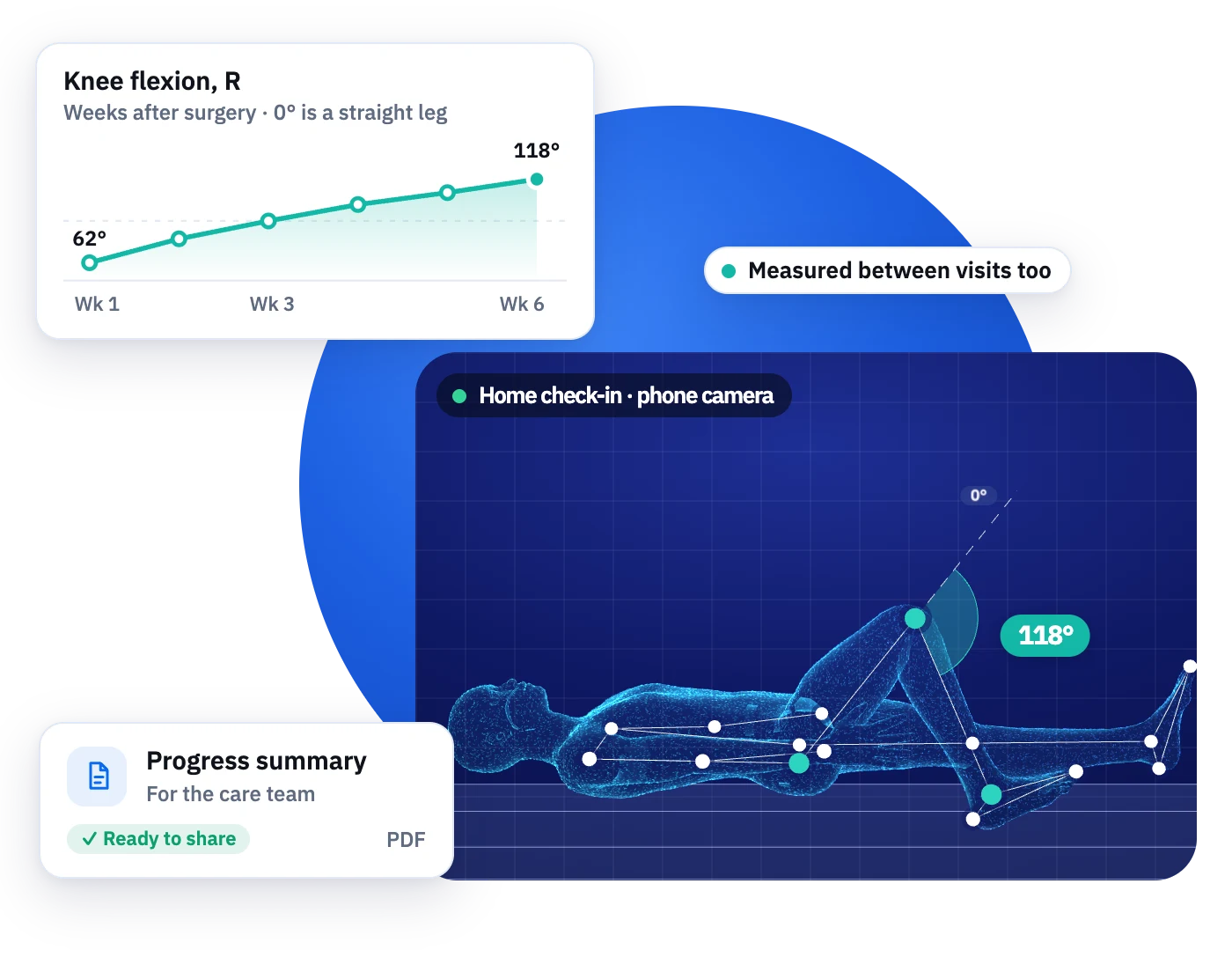
You have the surgery data. Recovery is harder to see.
After surgery, range of motion is measured by different people, with different tools, in different places.
Readings vary by clinician
The same knee, measured by two clinicians, often gives two numbers.
Follow-ups are hard to compare
When the method changes, a change in the number may not be the joint.
Sites measure differently
Each clinic and therapy site brings its own tools and habits.
Remote check-ins are estimates
On a video visit, range of motion is usually judged by eye.
One measurement standard from surgery to discharge.
The camera measures the same way for every clinician, at every site.
The same method at every visit
Every clinician at every site measures with the same camera method, so post-op numbers compare from one visit to the next.
Live on video calls
Measure range of motion live during a video visit, in the video tool you already use. The patient just joins the call.
A report with every assessment
Every assessment ends in a report with the numbers in it, ready to share or add to your notes.
Point a camera. Get the numbers.
No hardware, no sensors, nothing to install.
1. Point a camera
2. Run the assessment
3. Get the numbers
4. Share the report
From the first post-op visit to discharge, one way to measure.
Record a starting point after surgery, then measure each follow-up the same way, in the clinic or on a video call, so every visit compares with the last.
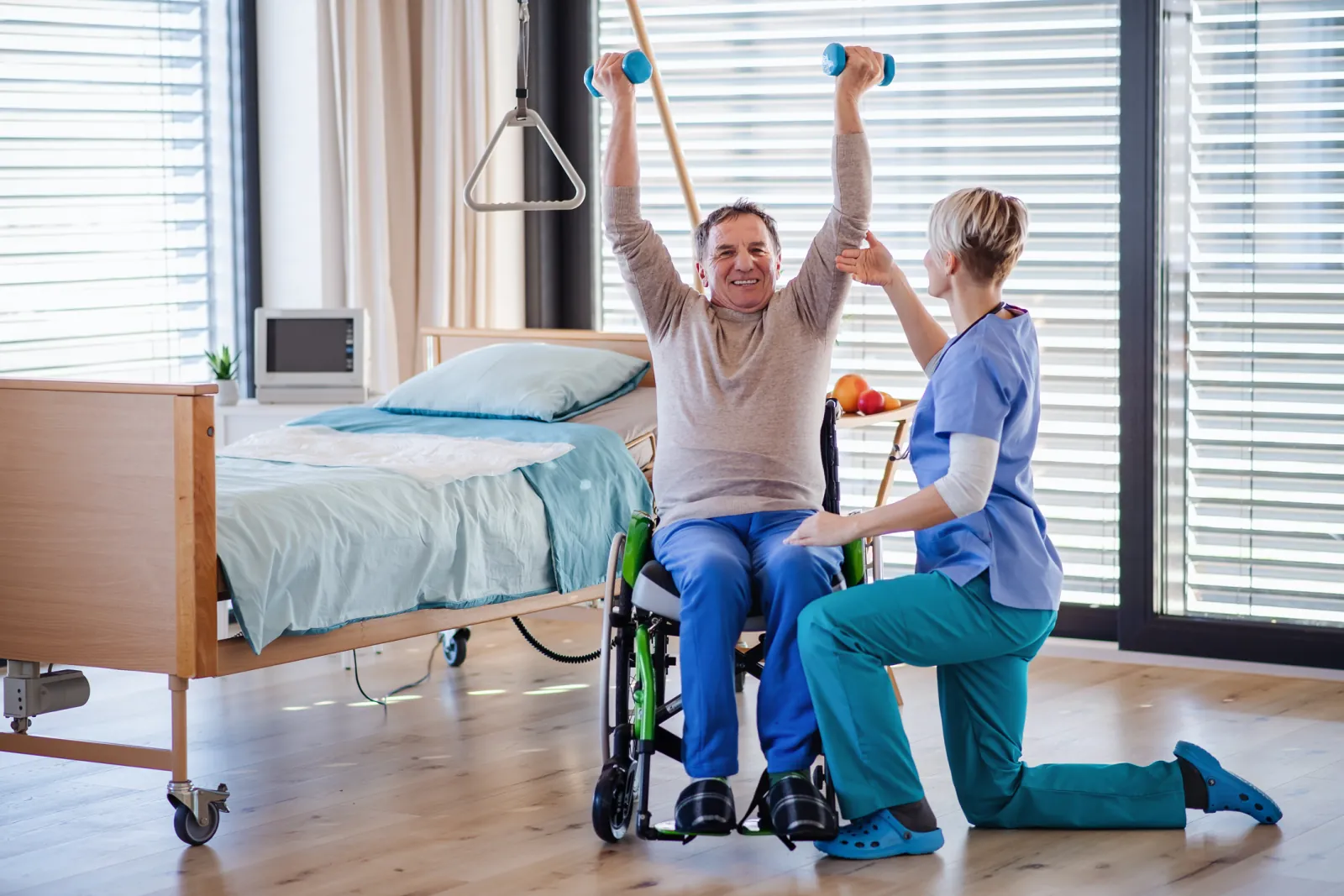
Post-op baseline
Record a starting point at the first visit after surgery.

Follow-up visits
Measure each follow-up the same way and compare the two.

Remote check-ins
Measure range of motion at home over a video call.
What changes when the camera does the measuring.
For surgeons, therapists and patients.
Comparable follow-ups
Progress patients can see
Remote check-ins measured
A report every time
Questions orthopedic groups ask us
Straight answers. If yours is not here, send us a message.
No. MotionArc works with the cameras you already have: any phone, tablet or laptop. There are no sensors or wearables to buy.
Yes. A clinician measures range of motion live during a video call, in whatever video tool you already use. The patient just joins the call as usual.
No. Patients are optional. You can run an assessment and get the numbers without creating a patient record.
By default, the video is analyzed in your browser and does not leave your device. If you turn on cloud processing, frames are sent to our servers, analyzed and discarded, not stored. Clips are recorded only when recording is switched on and the person has agreed. Recorded clips are kept in our cloud storage.
If you are a healthcare provider covered by HIPAA, you sign our business associate agreement (BAA) before you enter any patient information. We do not use patient information for marketing, and we do not sell it.
Access is by request. Send us a message here and we will reply by email. Once you have access, you sign in from your browser and run your first assessment. There is nothing to install.