Measure range of motion, don't eyeball it.
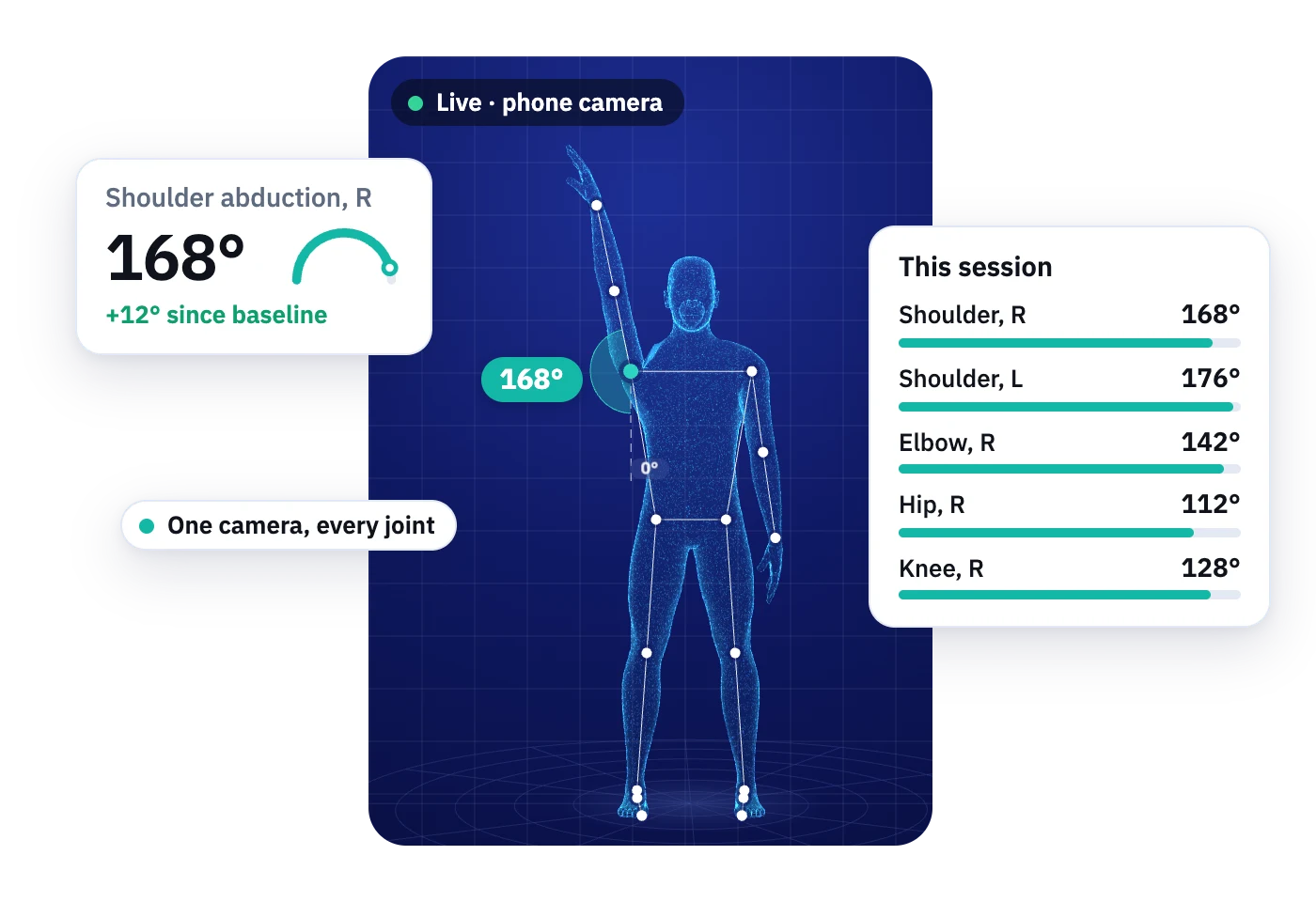
MotionArc turns a phone, tablet, or laptop camera into an objective measurement tool for range of motion, form, and balance. The same movement, measured the same way, at every visit.
Where do you see patients? In the clinic · Home visits · Virtual care
Goniometers and good eyes only go so far.
You know what you are seeing. Proving it, visit after visit, is the hard part.
Two therapists, two numbers
Readings shift with technique and landmarks, so the progress you report shifts too.
Measuring costs time
Every reading and every write-up comes out of the time you have with the patient.
Progress is hard to show
“You are doing better” is not the same as a number the patient can watch improve.
Form is a judgment call
Without a measure, movement quality ends up as a note in your chart, not a number.
The same movement, measured the same way, every time.
Objective numbers, wherever you see patients.
Consistent by design
MotionArc measures from the camera, so the number does not depend on who is measuring or where the goniometer sat. When the number changes, the patient changed.
Fast enough for every visit
Run an assessment in minutes with a device you already own. No setup, no wearables, no extra kit to clean.
Progress patients can see
Results are saved and compared over time, so patients watch their own numbers move. A clean report is ready for your notes.
From camera to numbers in minutes.
No hardware, and nothing for your patient to install.
1. Point a camera
2. Run the assessment
3. Get the numbers
4. Share the report

One tool for the clinic, the living room, and the video call.
MotionArc runs on the device you already carry, so every patient gets the same objective measurement, wherever care happens.

In the clinic
Objective ROM at every visit, without slowing the schedule.


Better numbers. Clearer notes. Patients who see progress.
What you get when the camera does the measuring.



Confidence in the number
Time back
Motivated patients
Cleaner documentation

Questions physical therapists ask us
Straight answers. If yours is not here, request access and ask us anything.
No. MotionArc works with the camera on a phone, tablet, or laptop. There is nothing to buy, wear, or install.
Range of motion, form, and balance, with more assessments being added. You get the numbers and a report you can share.
Yes. You can capture a patient’s range of motion and movement live during a video call, in the video tool you already use.
Clinicians sign a business associate agreement (BAA) with us before any real patient data is entered.
No. Patients are optional. You can run an assessment and get the numbers without creating a patient record.
By default, the video is analyzed in your browser and does not leave your device. If you turn on cloud processing, frames are sent to our servers, analyzed and discarded, not stored. Clips are recorded only when recording is switched on and the person has agreed. Recorded clips are kept in our cloud storage.
Pricing is simple and usage-based. You pay for what you use, with no per-clinic lock-in.
Request access below.
Request access
Tell us a bit about your work.